Losing NissanConnect doesn’t just mean losing a standalone app — for smart-home enthusiasts, it also meant losing whatever automations they’d quietly built around their car’s charging schedule. If you’d gotten used to your home dashboard showing your LEAF’s battery level, or you’d set up an automation that switched on the garage lights when charging finished, this piece of your setup went dark along with everything else. The community’s OpenCARWINGS project, however, comes with an option that many owners overlook: a Home Assistant integration.
Why Route Your EV Through Home Assistant at All
A standalone car app is fine for checking on your LEAF in isolation, but it doesn’t talk to the rest of your house. Feeding your car’s charging status into Home Assistant opens up possibilities like:
- A single dashboard showing home energy usage, solar generation, and EV charging status side by side
- Automations that only start EV charging when solar production is high, or when off-peak electricity rates kick in
- Notifications routed through whatever system you already use for other home alerts, instead of yet another app
- Voice assistant integration, if your Home Assistant setup is already tied into one
How the OpenCARWINGS Add-On Fits In
Community contributors have built and published a Home Assistant add-on for OpenCARWINGS, meaning once your car’s TCU is set up and reporting to the OpenCARWINGS server, that same data can be pulled directly into your Home Assistant instance rather than living solely in a separate mobile app. This effectively turns your LEAF into just another connected device on your smart home dashboard, right alongside your thermostat, lights, and solar inverter.
What You’ll Need Before Setting This Up
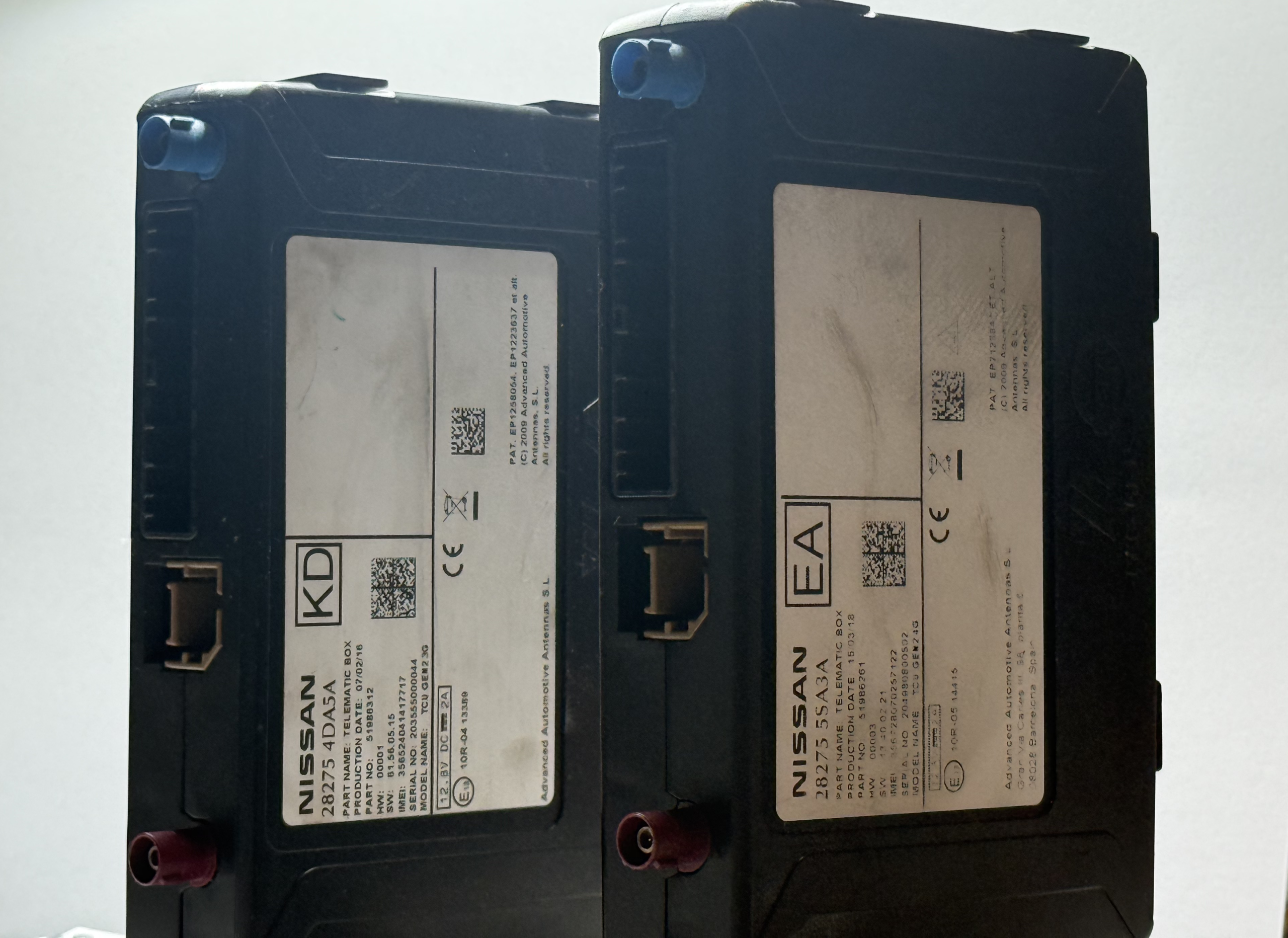
- A working OpenCARWINGS setup on your vehicle — this means your TCU has already been reconfigured with a new SIM and is successfully checking in with the server. This part has to be done first and is the more involved half of the process, whether you do it yourself or have it done professionally.
- An existing Home Assistant installation, self-hosted or on compatible hardware
- The OpenCARWINGS add-on installed from its community repository
A Realistic Example Automation
Once connected, a fairly popular automation among LEAF owners looks something like this: when the car is plugged in after a certain time in the evening, Home Assistant waits until the off-peak electricity window begins before triggering a remote charge start through OpenCARWINGS. When the charge completes, a notification goes out through whatever channel the household already uses — a phone push notification, a smart display announcement, or simply a dashboard status change. None of this requires opening a dedicated car app at all; the LEAF just becomes another data point in the existing smart home routine.
Worth the Extra Step?
If you’re already running Home Assistant for other parts of your house, adding your LEAF or e-NV200 into that ecosystem is a small additional step once the underlying OpenCARWINGS connection is working, and it arguably gives you more useful automation options than Nissan’s original app ever did. It’s one more example of how the open-source replacement for NissanConnect isn’t just restoring what was lost — in some cases, it’s quietly doing more than the original service did.